Open
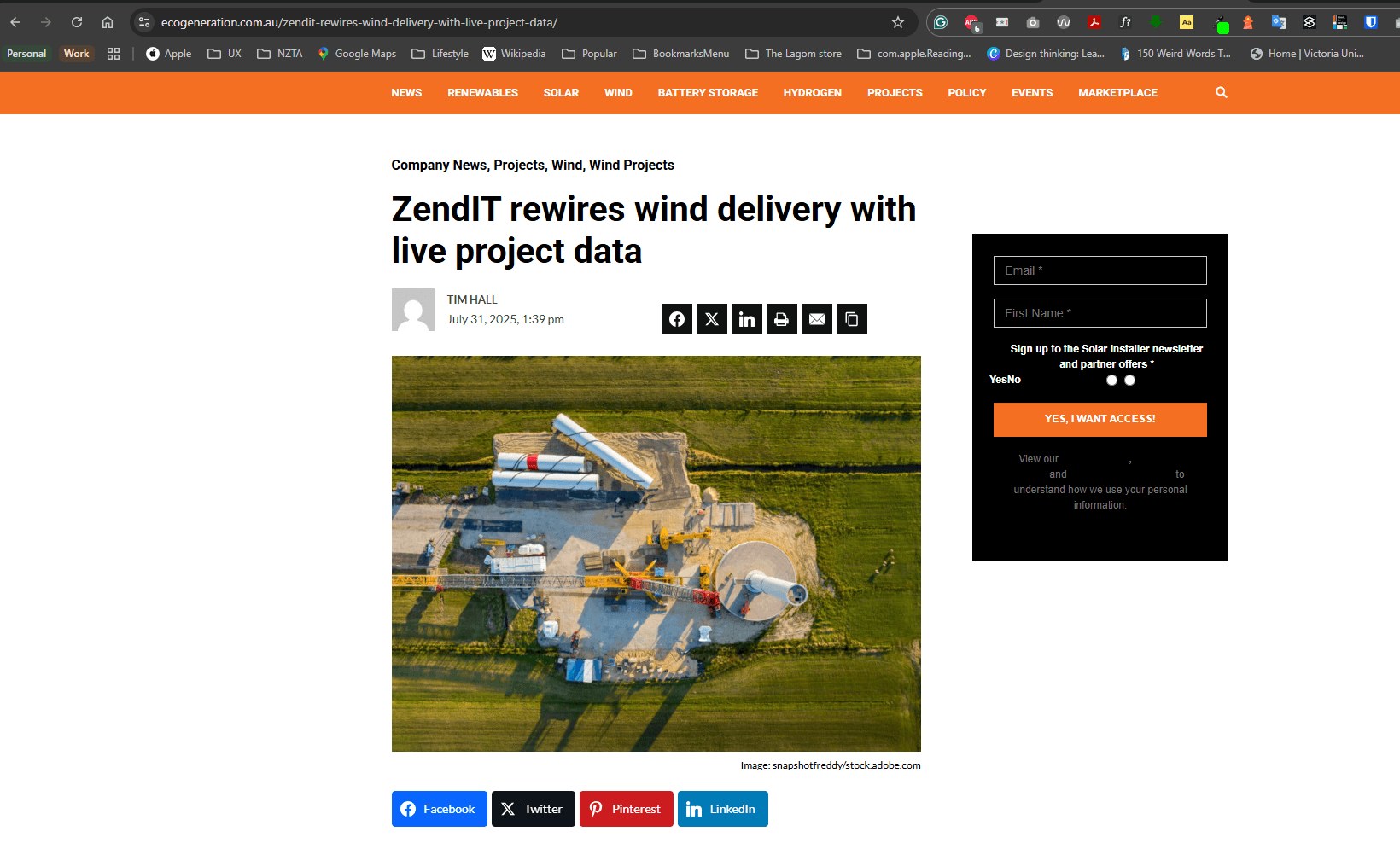
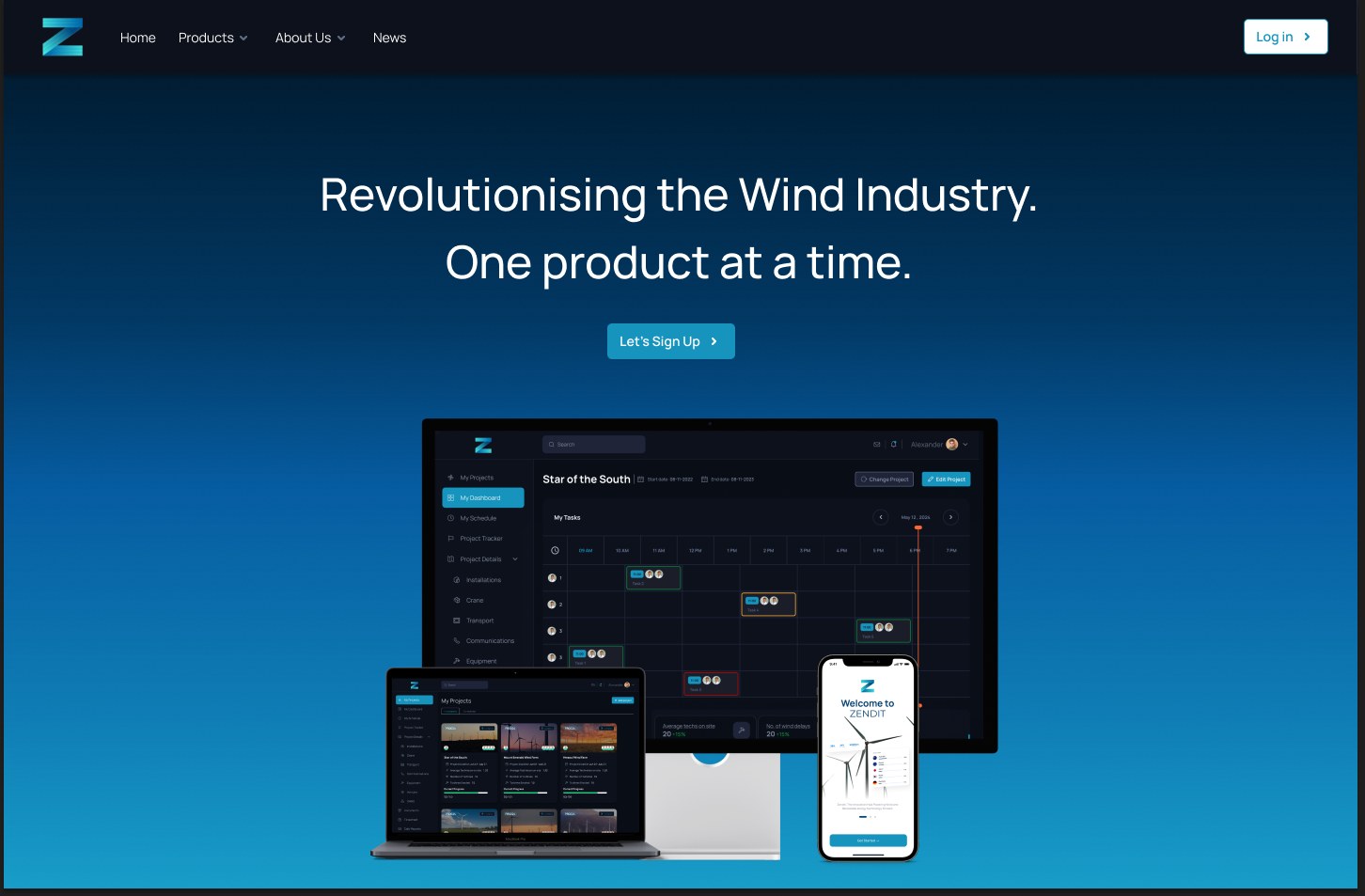
Zendit is a Brisbane startup building project intelligence for wind-farm construction. The job was to stop site teams flying blind: who is on which tower, what is delayed, and what happens next.
Barry led product design, working with the co-founder and lead PM, developers and testers. Web portal plus a field app. Shipped in a lean remote team on Linear.
- Problem: Project managers and wind-farm operators could not see progress on site with enough precision to plan the next lift.
- Role: Lead product designer, Zendit Pty Ltd, February 2024 to February 2025. Web and mobile.
- Decision: One product for the office and the paddock. A project dashboard, then the construction sequence (offloading, pre-install, main install, MCC and ECC, substantial completion), plus a phone for timesheets and tower-level work.
The problem
Wind installation is a chain of tightly timed lifts. If offloading, pre-install or the main install slip, the whole farm slips. The people who needed the picture were project managers and operators, not a general dashboard audience.
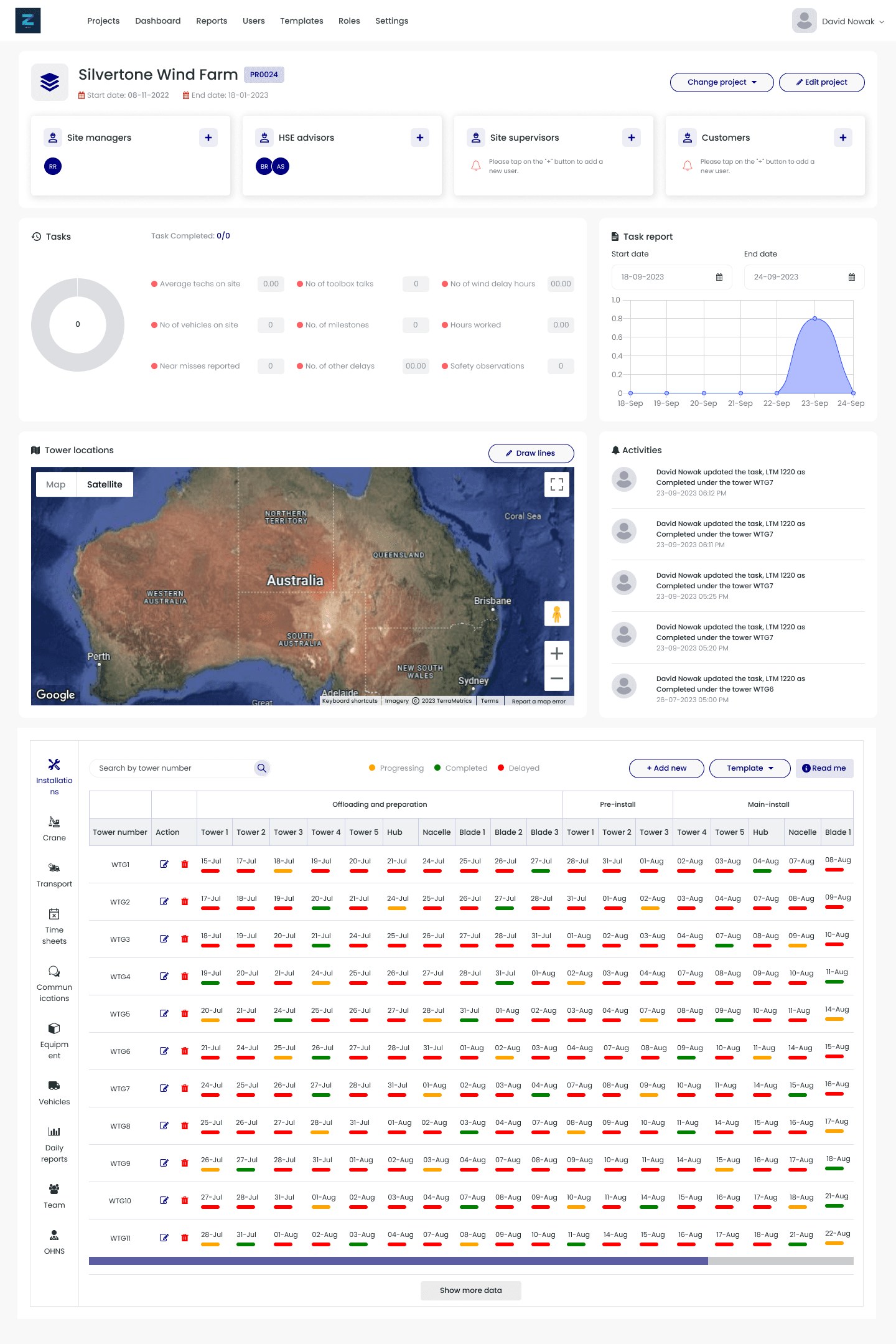
This was the portal they had. Empty KPIs. A country map instead of the farm. A Gantt of every tower in one table. Status lived in that grid, templates and milestones lived somewhere else, and the phone was an afterthought even though the work happens on site.
Web portal
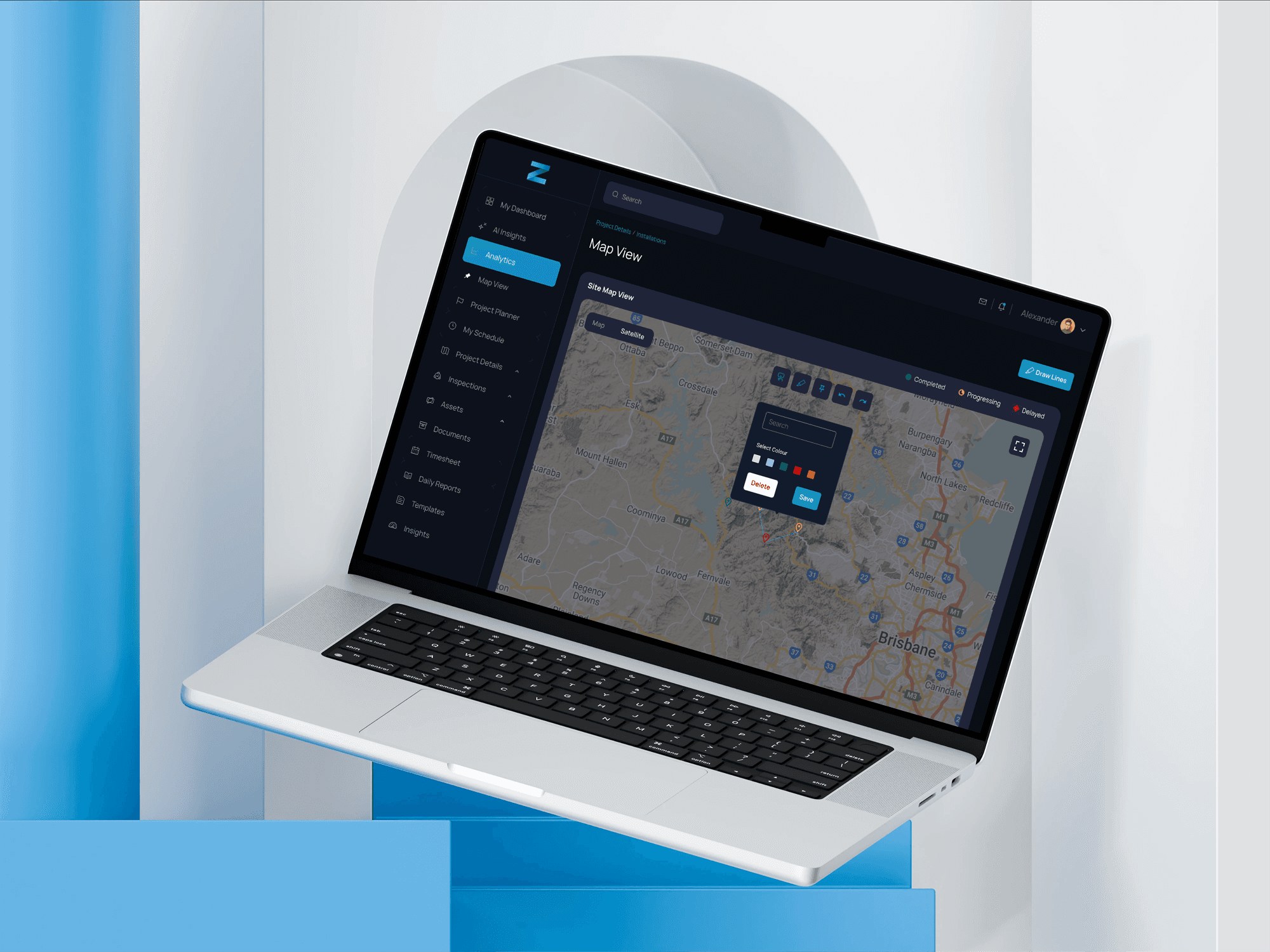
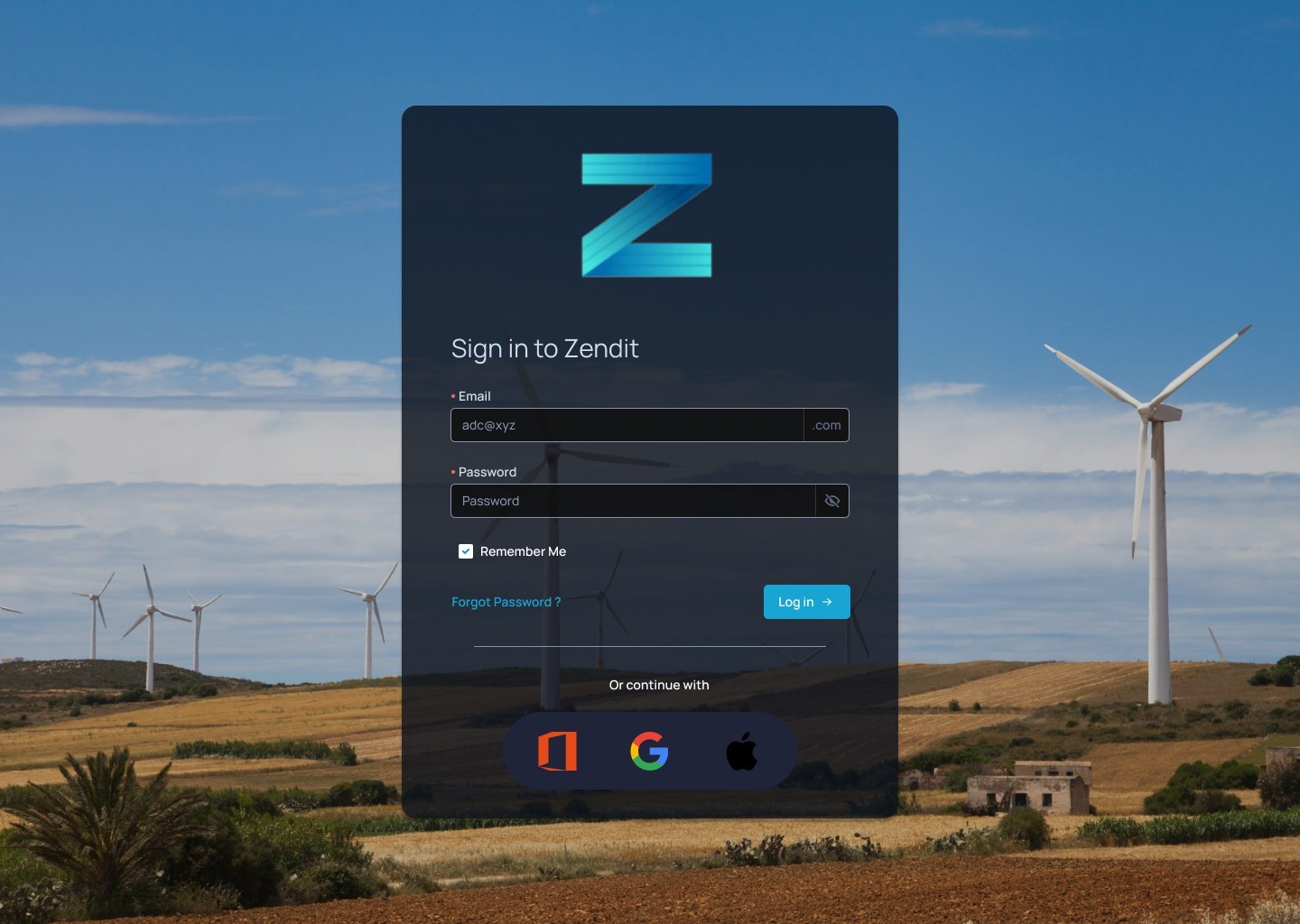
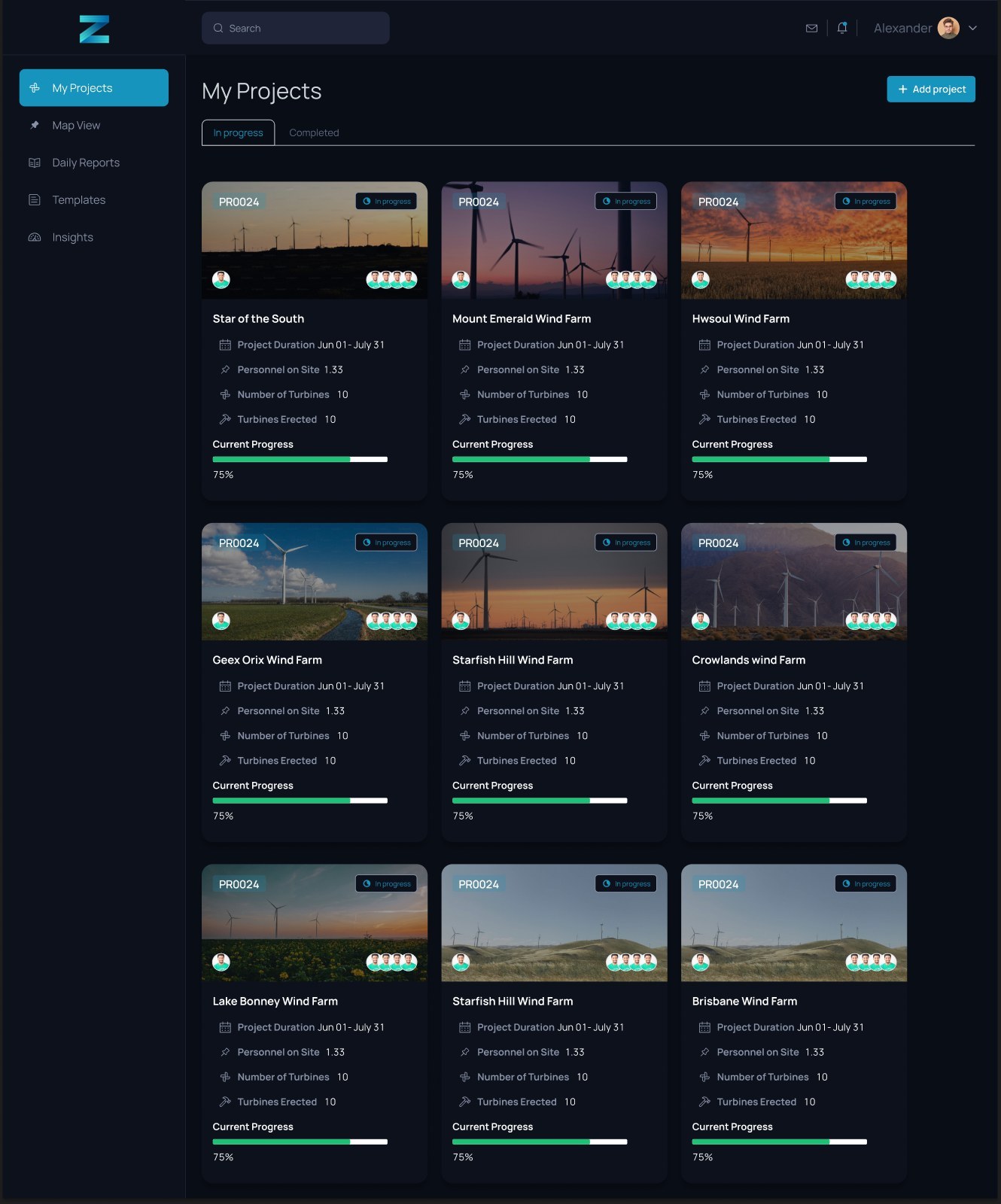
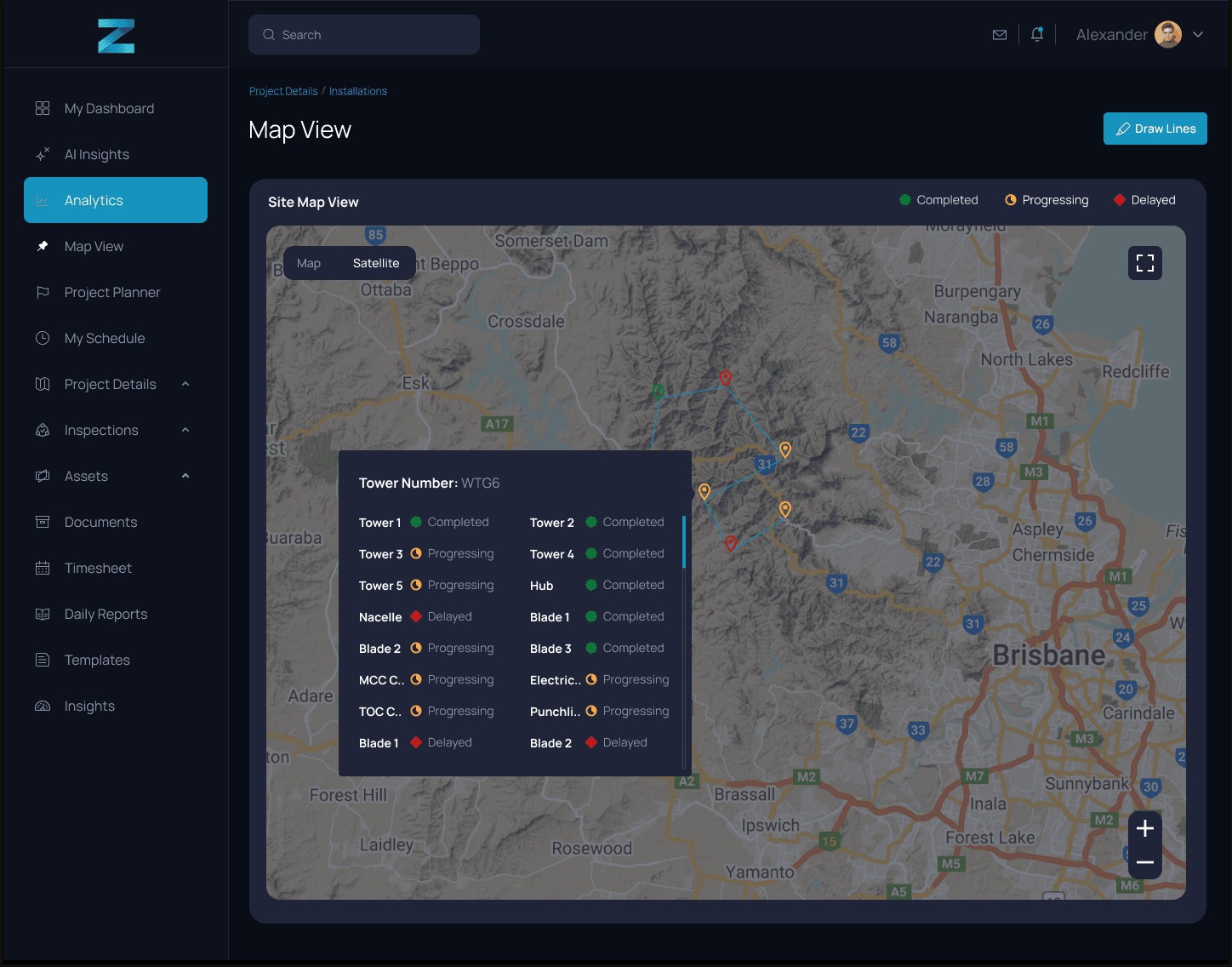
The office side starts at sign-in, then a project list you can actually scan: farm, duration, people on site, progress. Open a farm and the dashboard is turbines in, tasks, hours, then offloading through completion as cards, not one endless table. The map is the farm, with completed, progressing and delayed on the pins.
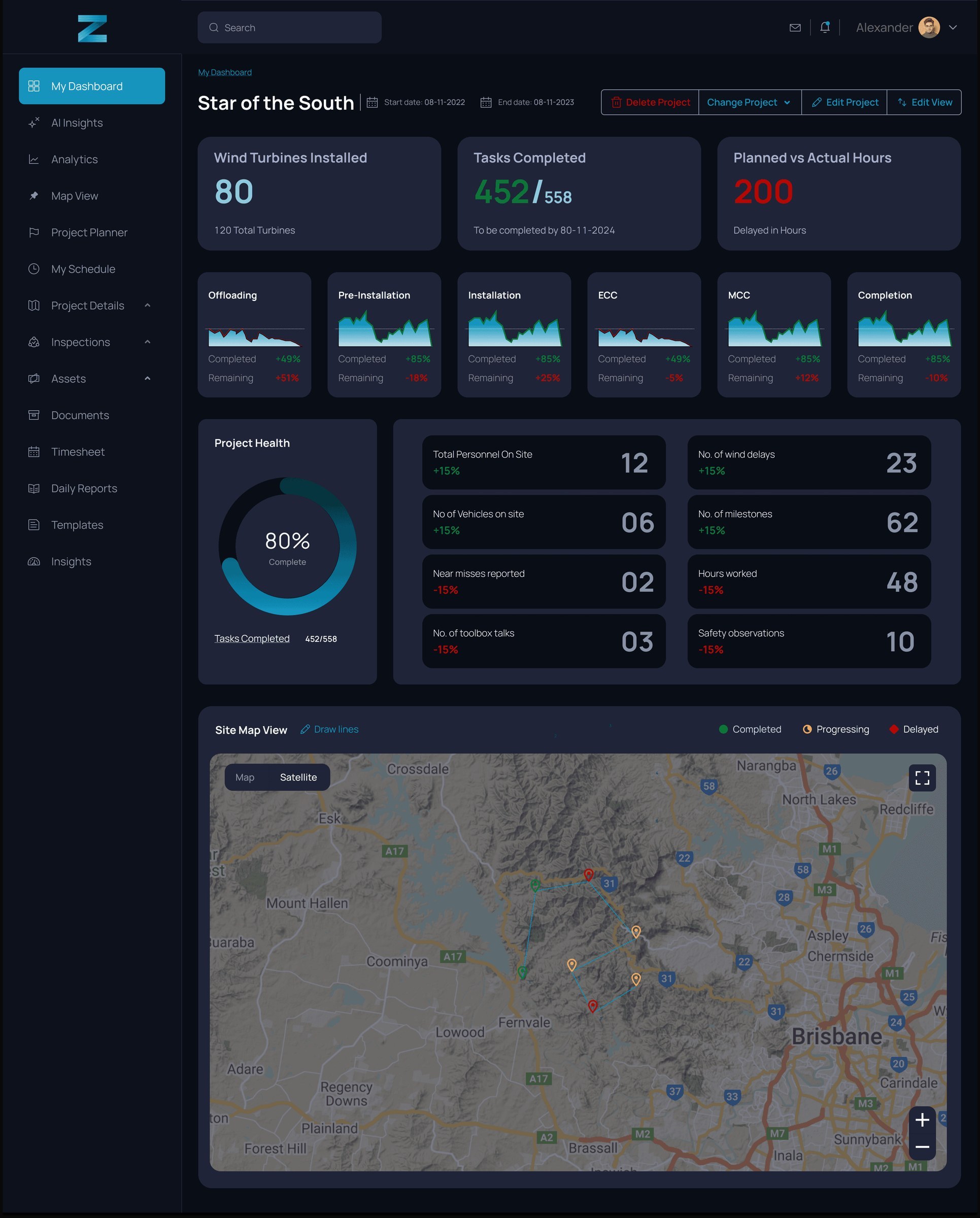
Click a tower on the map and you get that tower's sequence, not another report.
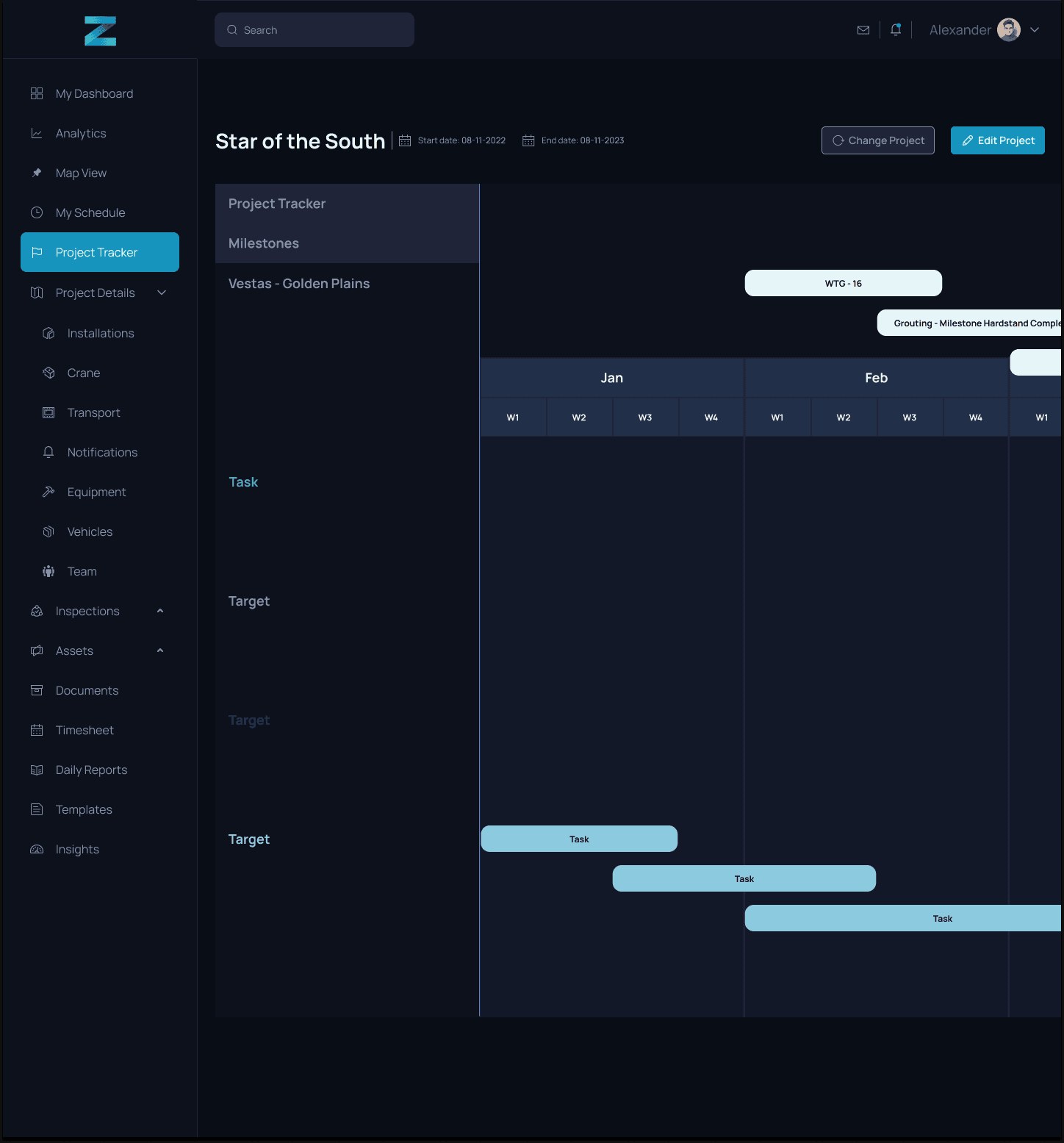
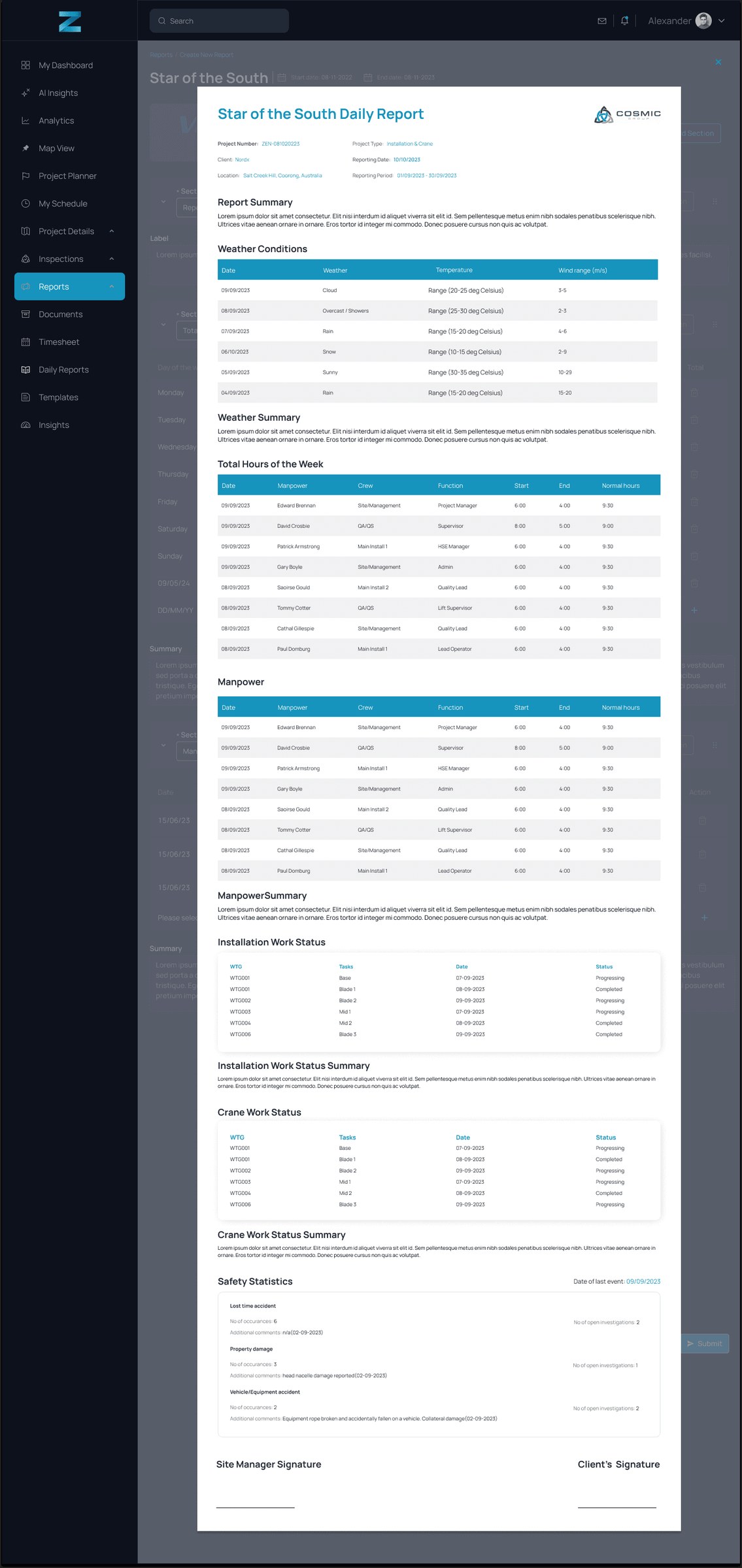
Planning sits next to that as a tracker, so the next lift is a date on a farm, not a row in a spreadsheet. Daily reports pull the same phases into something a site manager can sign.
Construction on site
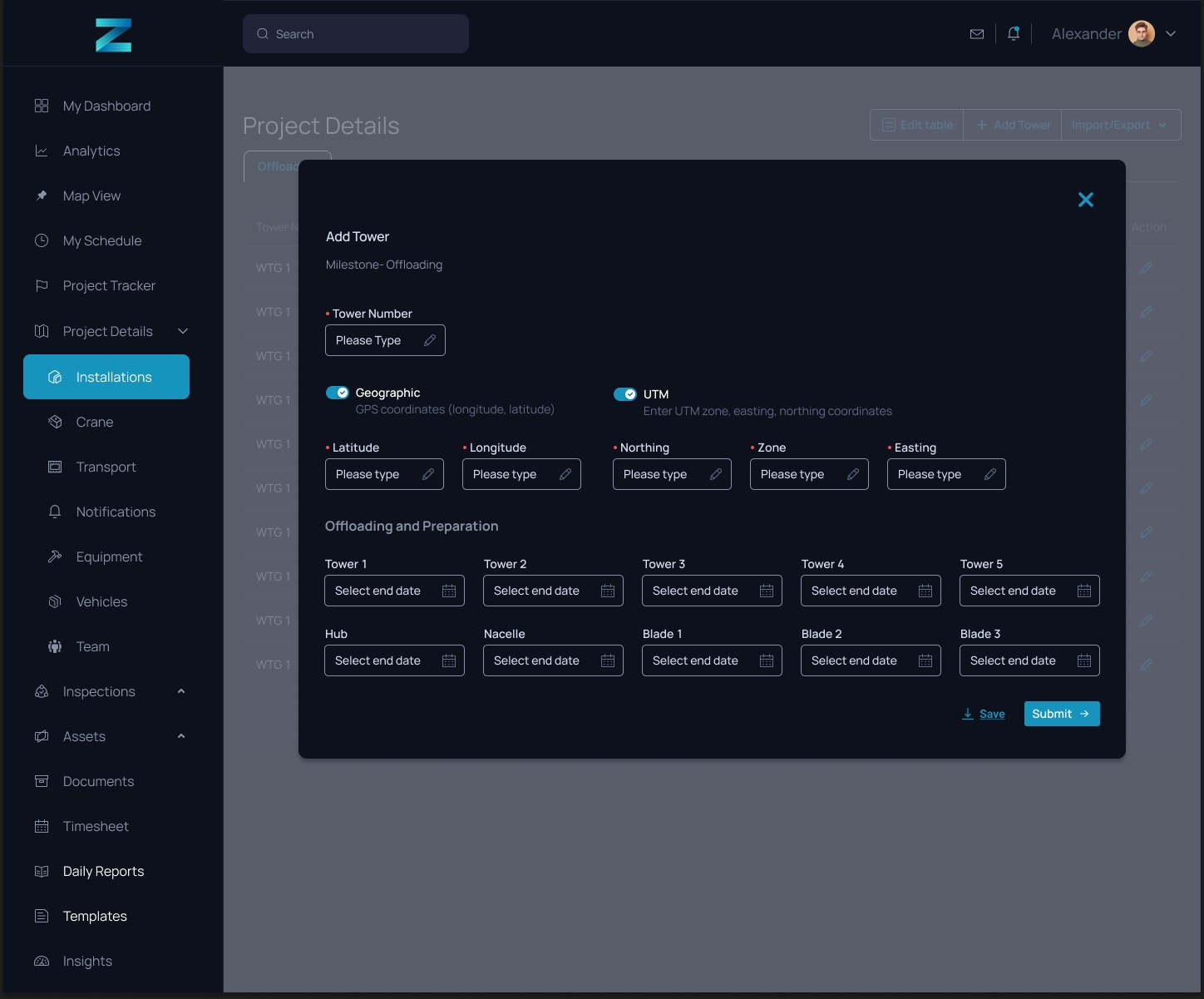
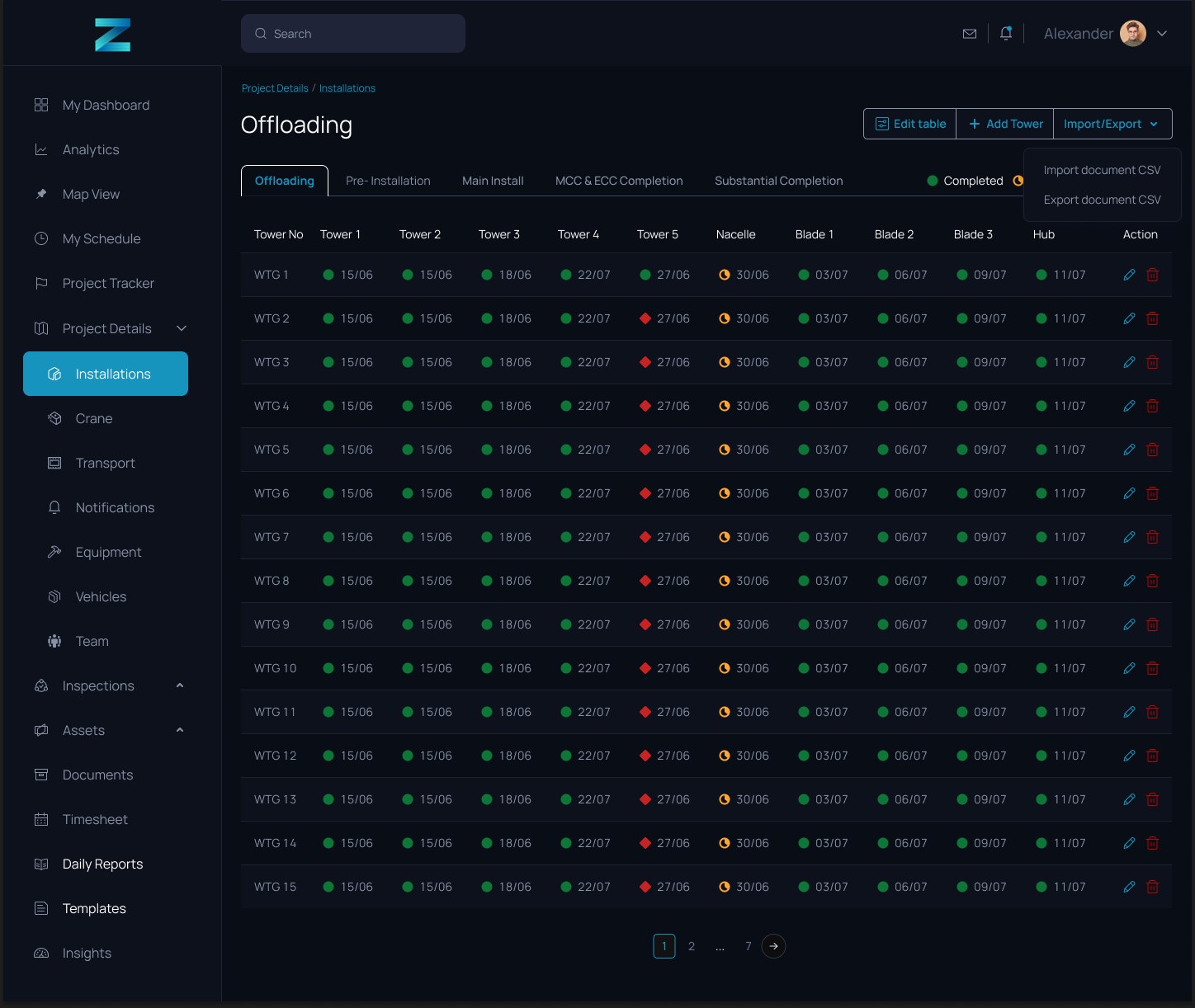
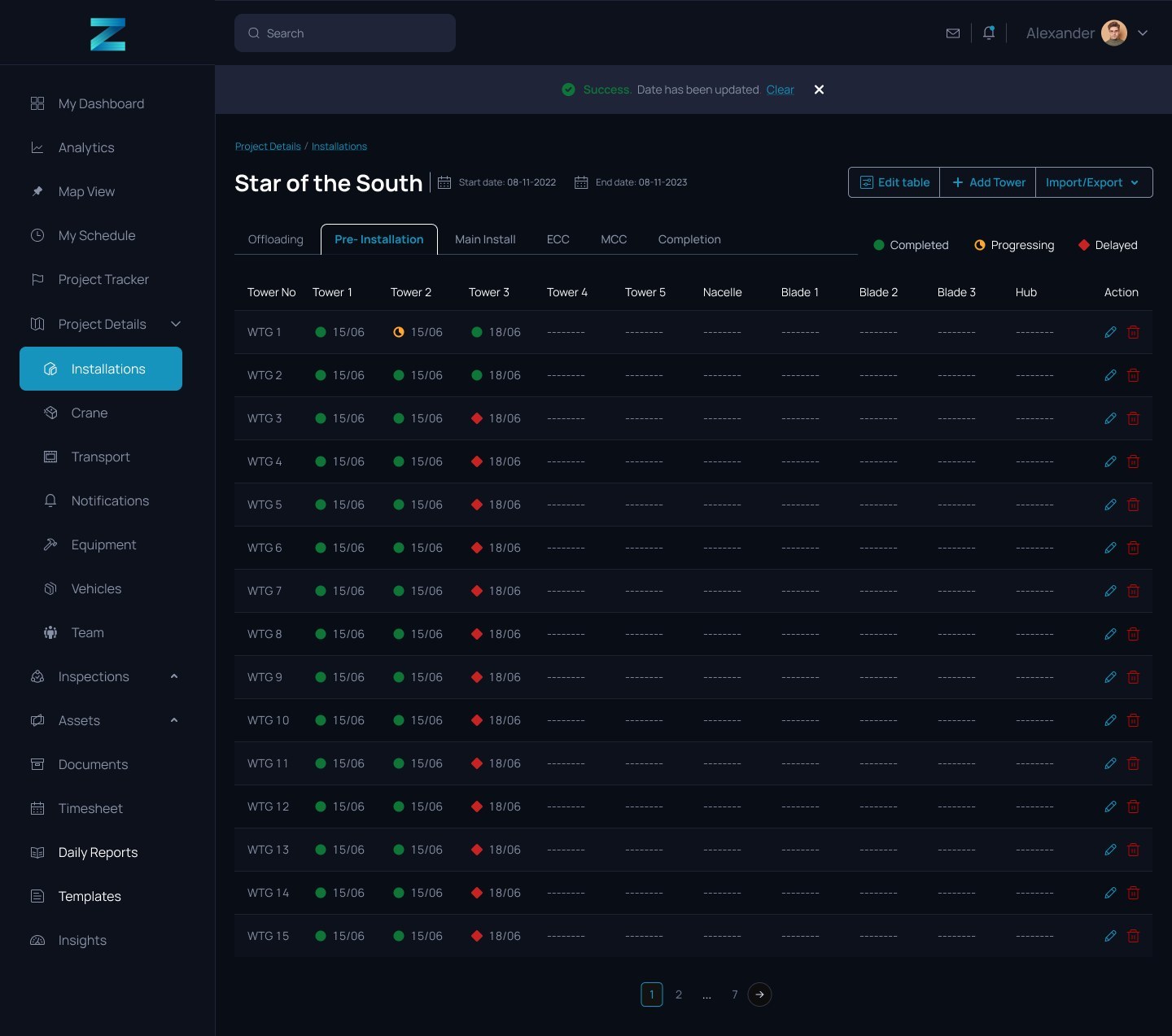
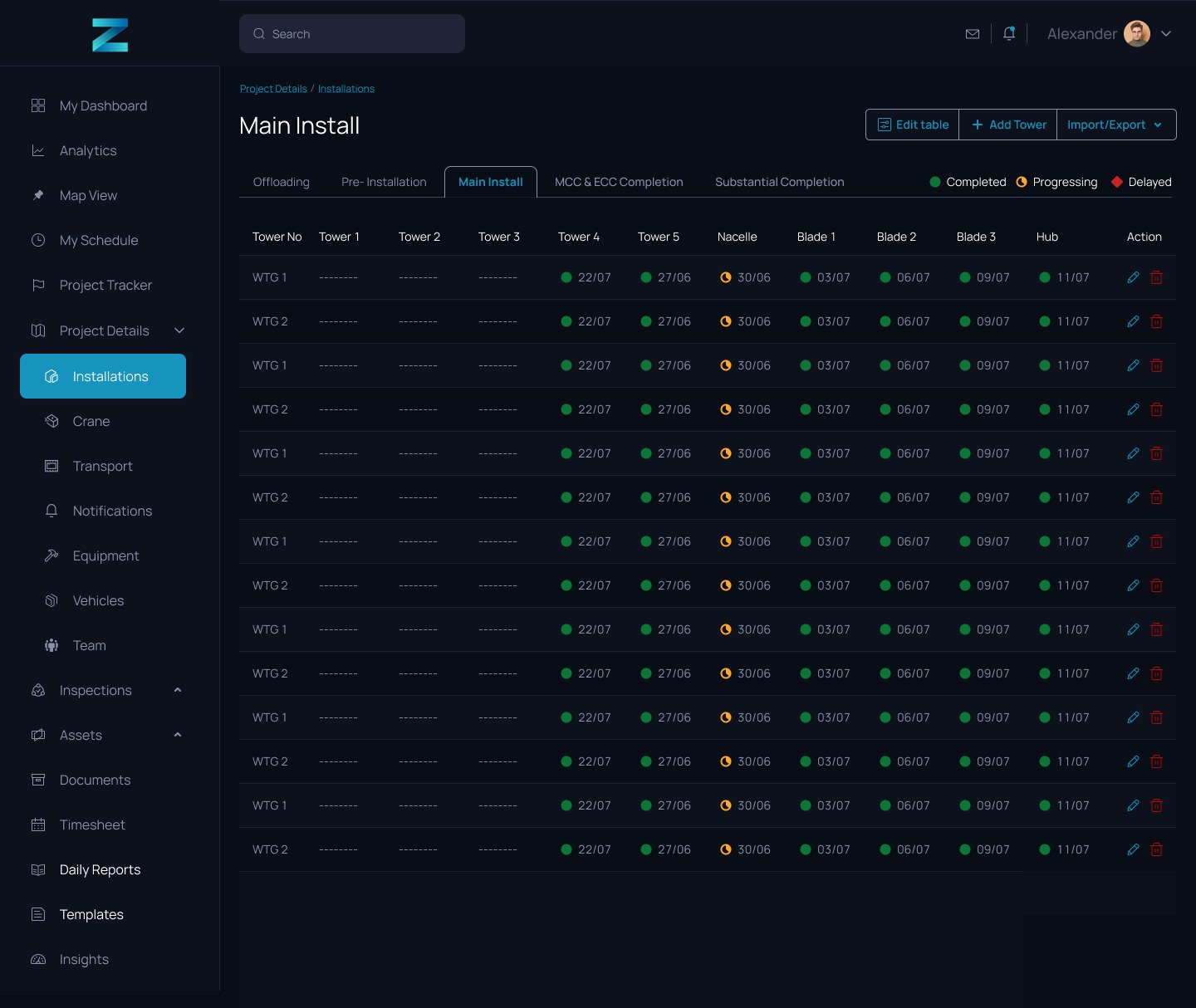
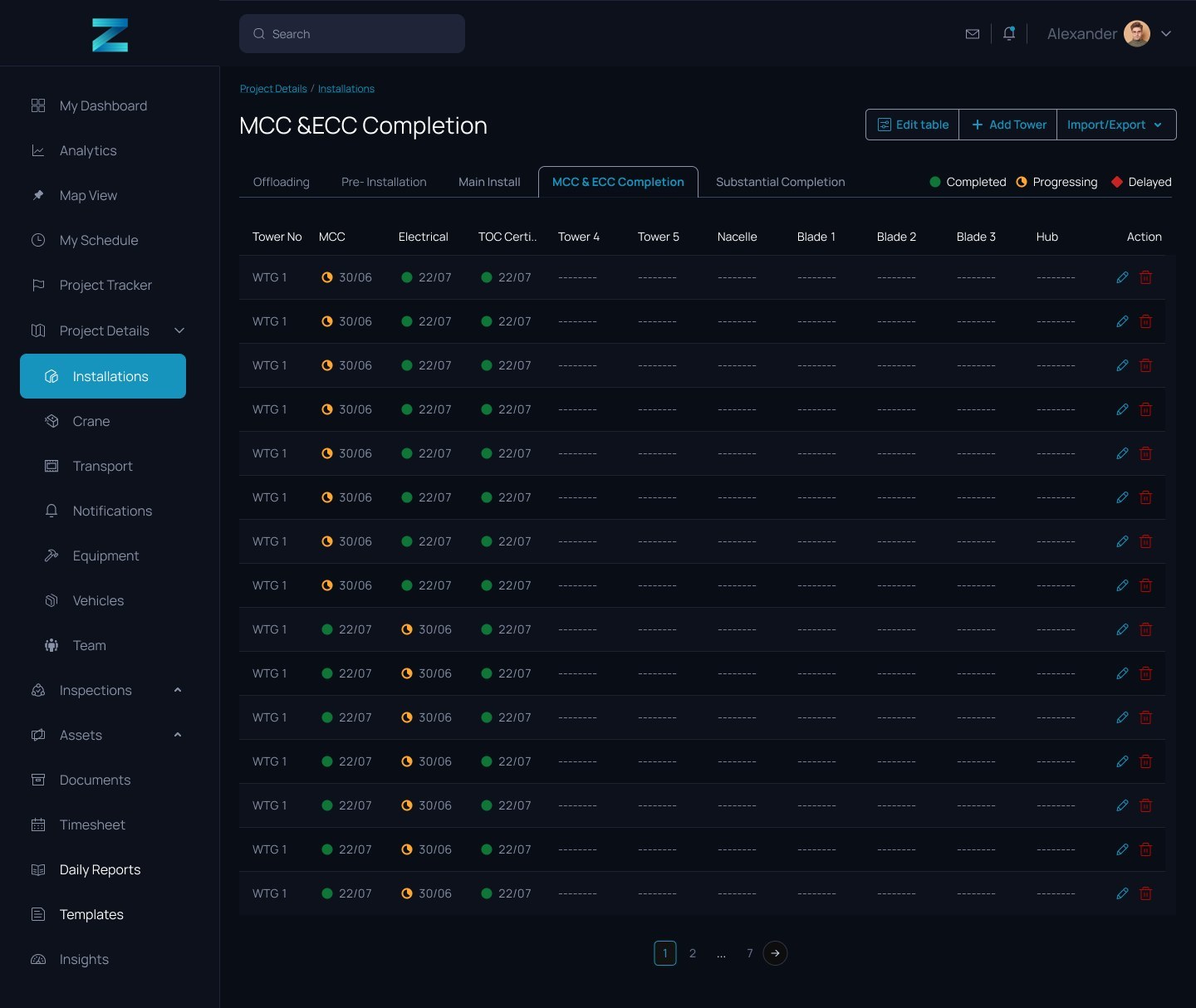
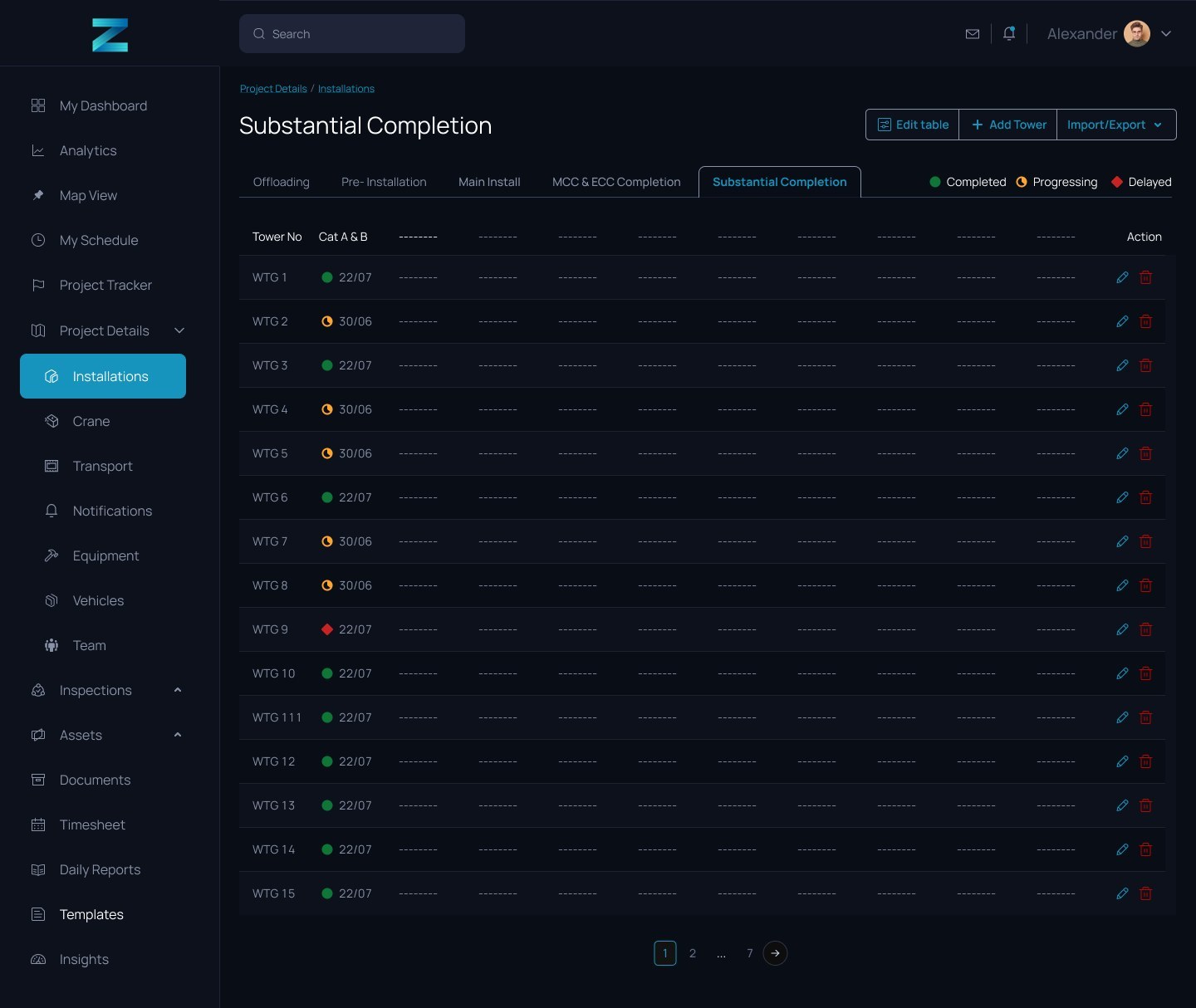
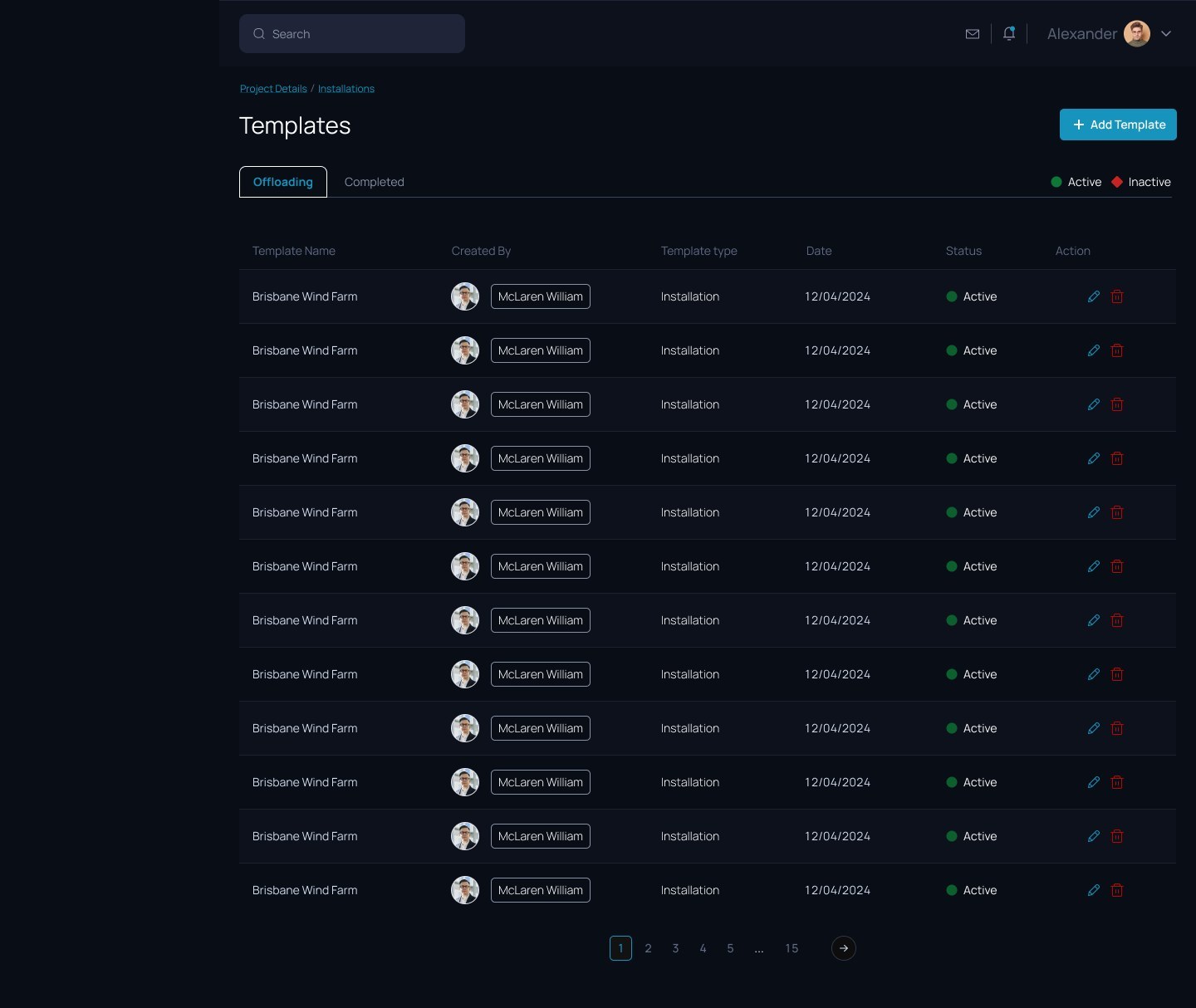
The second web file is the construction sequence. Each phase has its own view so a PM can see offloading, pre-install, main install, MCC and ECC, then substantial completion without mixing the work.
Field app
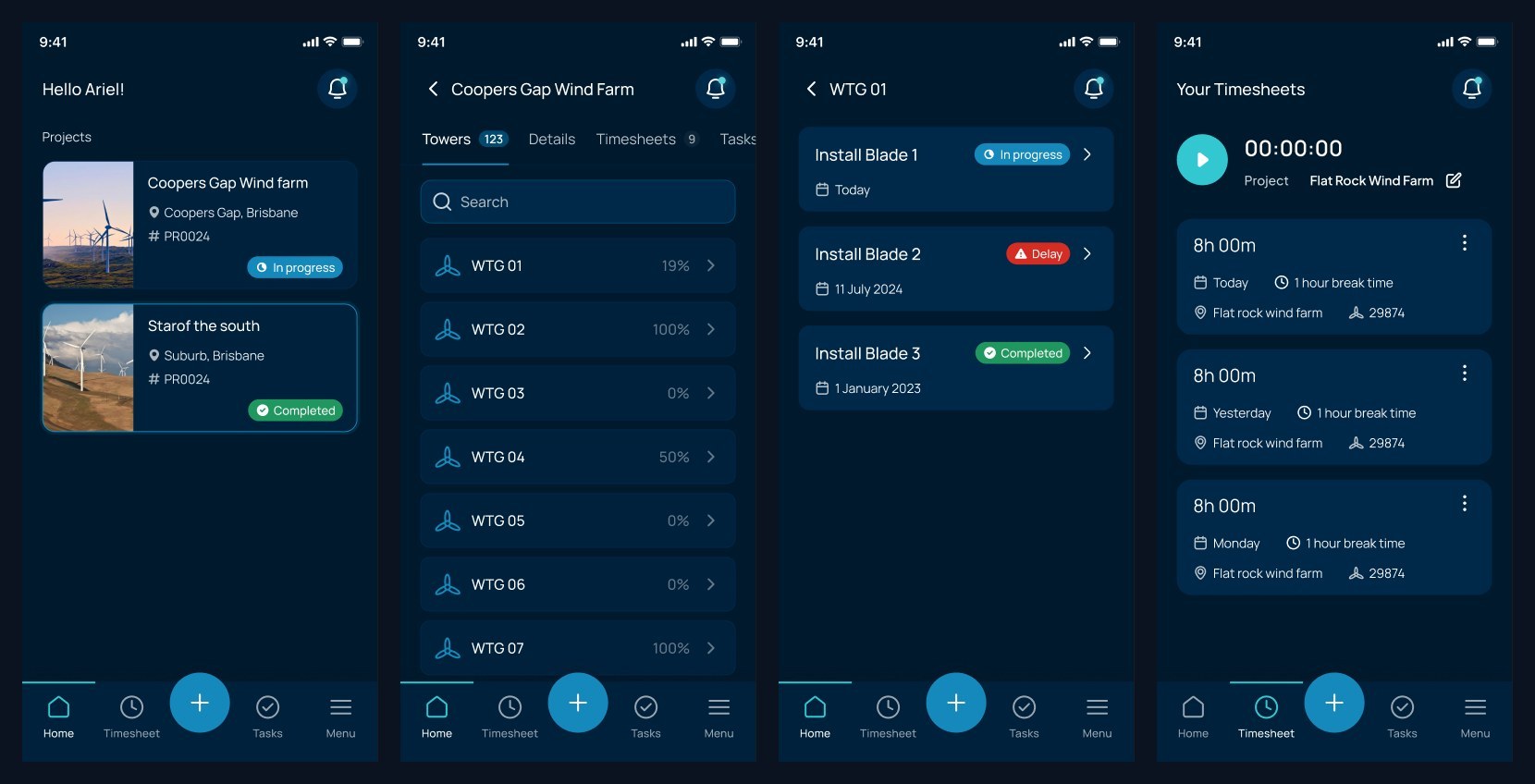
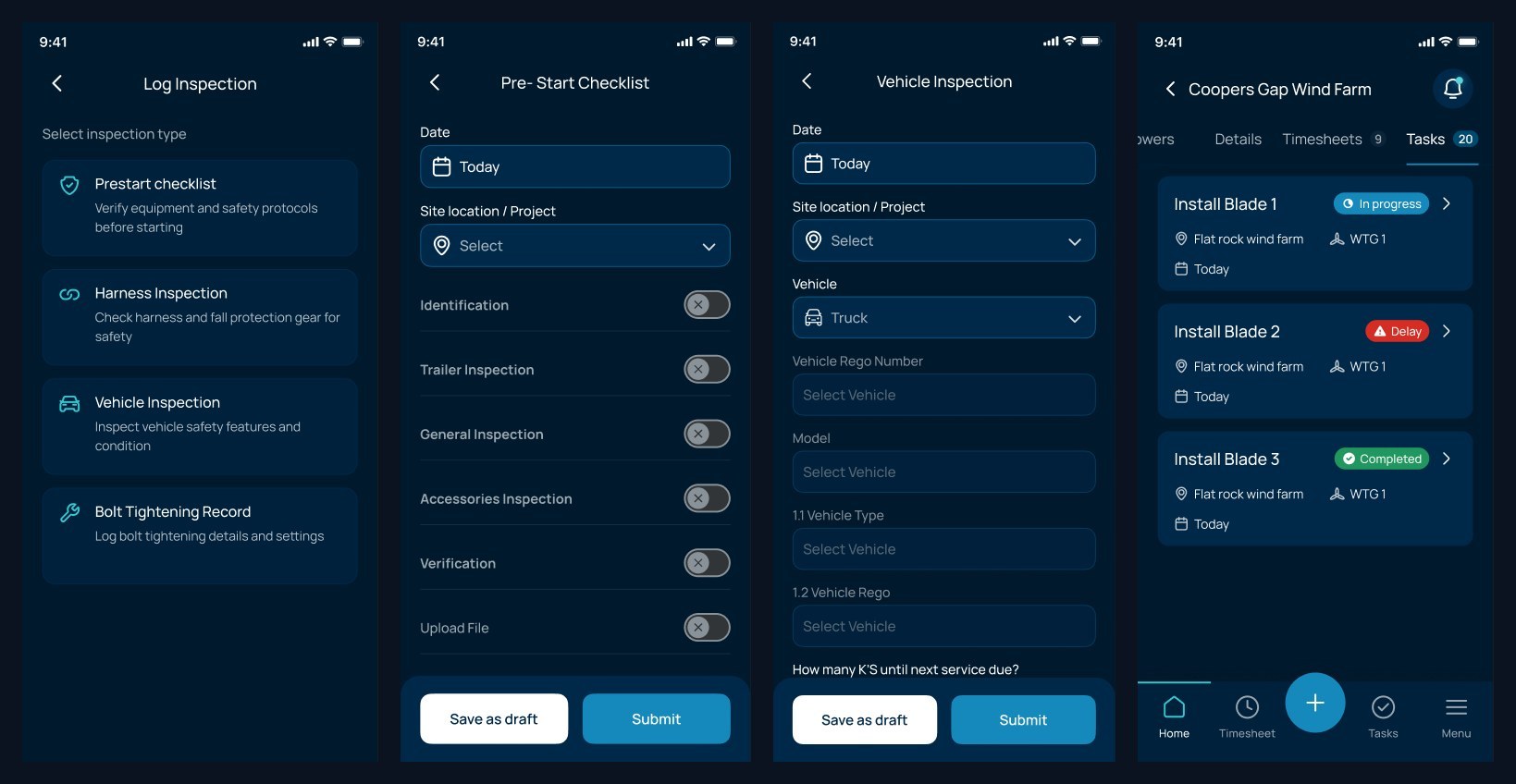
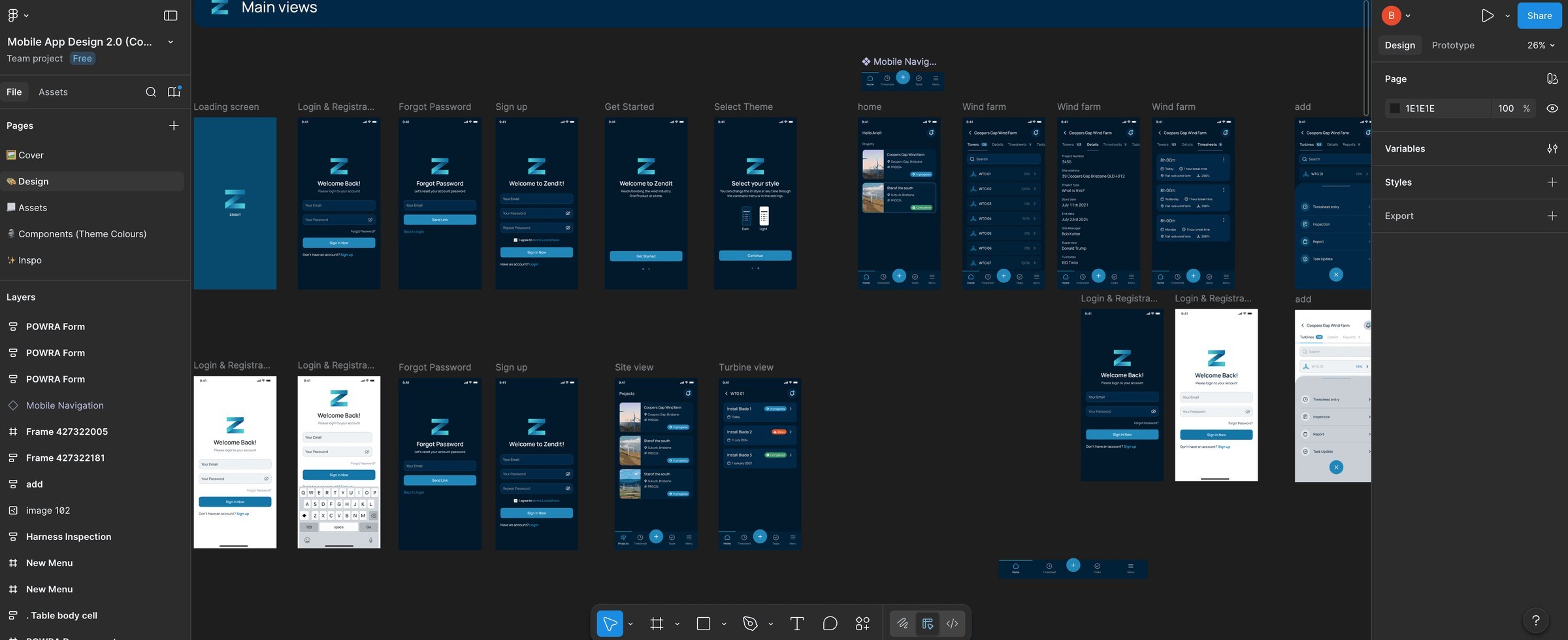
The phone is for people on the farm. Home, the wind farm, a single turbine, and timesheets. Inspections, pre-start and vehicle checks live in the same file. The rows as they sit in Figma, not six giant phones.
How it landed with engineering
Handoff was the two web files plus the mobile file. We used Linear, worked remote, and went live.
The first web file holds landing, auth and the project shell. The construction file holds the install sequence. The mobile file holds the field day. That split is how a ticket points at a screen without hunting.